
Inside Starke County Tax Records
Three offices divide the work. The Starke County Assessor keeps the parcel card and the land and improvement assessment. It also holds sales disclosures and the January 1 assessment data each year. The Auditor applies property deductions and processes transfer deeds for taxation. It also coordinates tax-sale work. The Treasurer mails the annual statement with spring and fall coupons. It takes payment and reports billing status. Checking all three sources keeps a tax amount from being mistaken for a market estimate. It also keeps a deed record from being mistaken for a paid bill.
| Tax Record Field | Meaning | Official Source |
|---|---|---|
| Gross assessed value | Total assessed land and improvements for the assessment year | Assessor and DLGF |
| Deductions | Approved reductions applied before the net taxable amount | Auditor |
| Tax bill | Installments, taxing units, and amount charged for the pay year | Treasurer and eNotices |
| Payment status | Whether a billed installment remains due in the displayed system | Treasurer |
| Delinquency or sale | Unpaid-tax enforcement and advertised tax-sale information | Auditor and Treasurer |
A bill reflects assessment, deductions, tax rates, and local units. It never states what a buyer would pay. Indiana names its mass-appraisal basis True Tax Value. The DLGF search labels the combined land and improvement figure as gross assessed value. For what those value labels mean, the Starke County property value explanation goes further. Keep the assessment year separate. Use the later pay year whenever a tax question comes up.
Search Starke County Tax Bills
The Starke eNotices search is the county's direct online route for tax bills. It accepts a parcel number, name, or address. The screen displays spring and fall coupons. It also offers a paperless-registration option that uses an authorization code printed on a notice. No coverage-year selector appears. So an older bill that does not show up should be checked through the state lookup or with the Treasurer rather than treated as proof that no bill exists.
| Search Control | Best Input | Use |
|---|---|---|
| Parcel Number | Exact APN with punctuation and leading zeros | Separates parcels with similar addresses |
| Name | Taxpayer or entity name as billed | Finds bills when the situs is uncertain |
| Address | Street number and street name | Starts a bill search from a known site |
The county eNotices screen displays the parcel, name, and address entry points used to start a Starke County bill search.
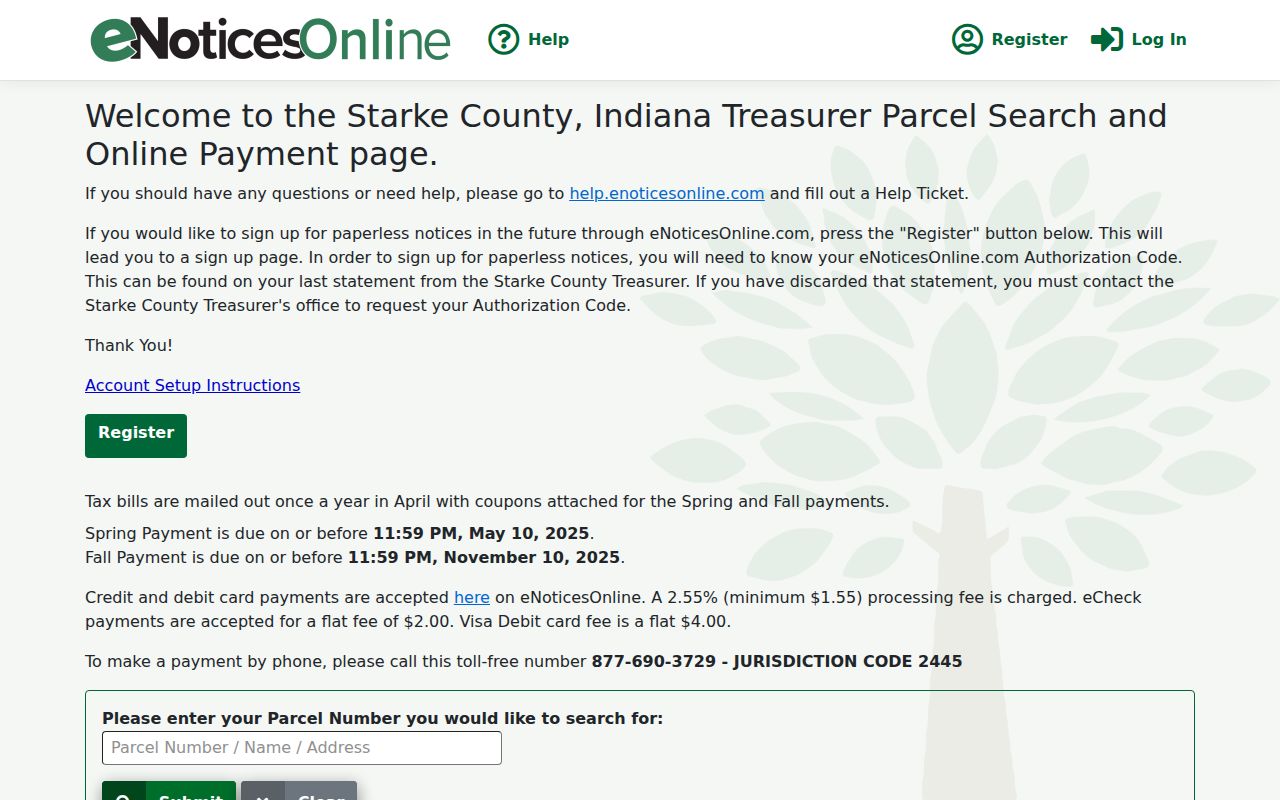
One portal, three ways in. A search can begin from any of the main identifiers. The payment screen lists a 2.55% card charge with a $1.55 minimum, a $2 eCheck charge, and a $4 Visa Debit charge. Those are time-sensitive portal terms, so confirm them on the live screen before paying. The phone route shown is 877-690-3729 with jurisdiction code 2445.
Starke County Gateway Fallback
The Indiana Gateway Tax Bill Lookup serves as the strong second route. It steps in when eNotices does not surface an older entry. Gateway offers more filters. Its notice warns that counties supply the information, and formatting or reporting errors can slip in.
The statewide form narrows results by pay year, county, taxing district or unit, and taxpayer name. It also covers address, parcel number, tax-rate range, and total-bill range. Sorting helps separate a large name result. Treat a Gateway result as a research copy, not a certified statement. A mismatch can appear. Ask the Starke County Treasurer or Auditor for a correction or an official response.
See the Gateway tax search source below.
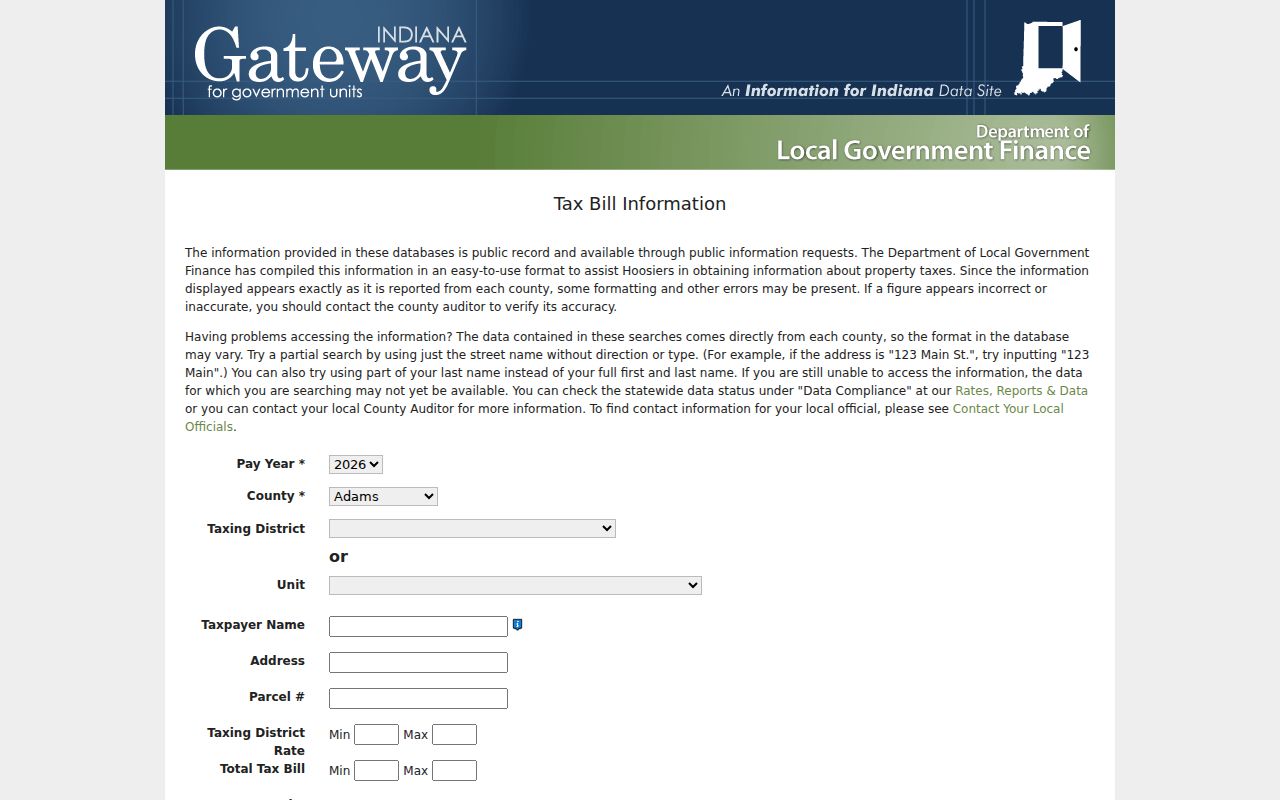
A pay year, county, and exact parcel number make stronger keys than a common taxpayer name alone. The screen shows why.
Look Up Starke County Tax
Start with the parcel, not the amount. Record the exact APN and situs in WTH, search the county bill, then cross-check with Gateway. Finally, compare the assessment-year figure and its deductions. That sequence ties the bill to the right land and makes any change easier to explain.
- Find the exact address and APN in the public WTH property viewer.
- Enter the APN in Starke eNotices and record the pay year, installment, and status shown.
- Compare the same pay year in Indiana Gateway, especially when the county screen lacks an older bill.
- Check the DLGF assessment-year value and ask the Auditor which deductions were applied.
- Contact the Treasurer about payment or delinquency and the Auditor about a tax-sale entry.
- Assessed value
- The mass-appraisal value assigned for a specific assessment year.
- Tax levy
- The amount a taxing unit raises through property taxes.
- Homestead deduction
- An Indiana deduction administered locally by the Auditor for qualifying property.
- Tax lien
- A public claim tied to unpaid property tax; enforcement can lead toward tax sale.
Note: An assessment year usually drives the next pay year's bill in Starke County, so match the years before comparing any two figures.
Starke County Assessment-Year Values
The DLGF Assessed Value Search accepts name, address, and parcel-style input. It supports partial entries. It also offers a Details box plus an Excel download. Results are keyed to assessment year. A 2015 assessment belongs with the 2016 tax bill. That offset matters whenever a Starke County property tax record seems to conflict with a bill.
The gross field is labeled “Assessed Value Total Land and Improvements.” Keep that gross figure distinct from deductions. Keep it separate from the later tax amount as well. Land and improvement values show which part of the parcel changed. They do not reveal the cause on their own.
The state assessed-value screen provides the year controls pictured here.
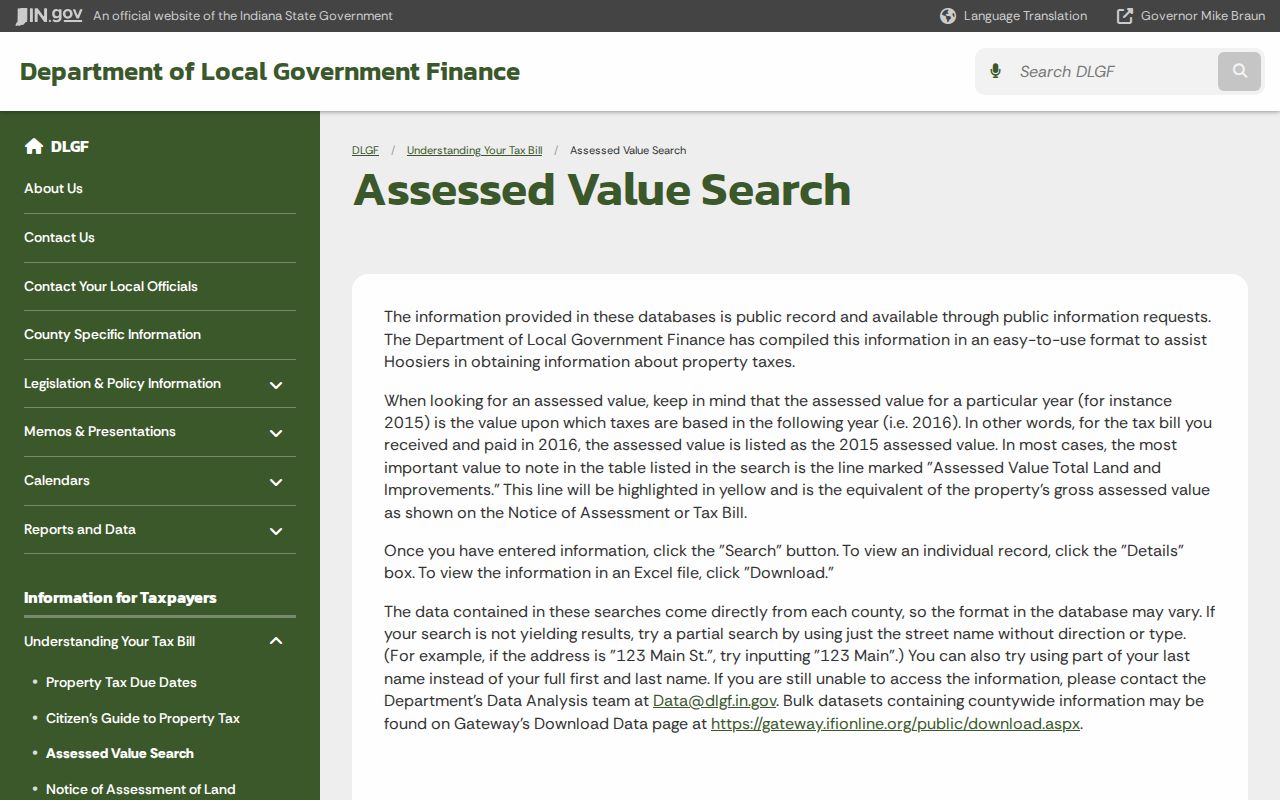
The statewide display helps preserve the value year before a figure is compared with eNotices or Gateway.
Starke County Reassessment Field Work
Indiana switched to a four-year cyclical reassessment. It began July 1, 2026, for the 2026 Pay 2027 cycle. Under that schedule, about one quarter of Starke County parcels get field inspections each year. A DLGF progress map dated July 14, 2026 showed Starke County at 40.84% in Phase I. That figure is a dated progress measure. It is not a sign that reassessment work is finished. The Assessor reports that field agents inspect building exteriors. They may leave a door hanger. Questions can go to the reassessment office at 574-772-9166 or the Assessor at 574-772-9107. Keep one thing clear. An exterior visit is not a sale, a new permit, or a transfer of title. It simply keeps assessment data current. A separate 2026 storm and flood damage notice asked owners to preserve photos, videos, insurance claims, repair estimates, and receipts. Those items can support a damage reassessment request. But they do not change title. They never replace an appeal notice.
Starke County Tax Deductions
The Starke County Auditor handles transfer deeds for taxation and property deductions. A deduction changes the taxable calculation only. It does not touch the recorded sale price or the parcel boundary. When a bill shifts after a transfer, compare five things in order. Check the deed date, the Auditor's transfer work, the deduction status, the assessment year, and the taxing district. Each office owns a different slice of the tax roll. The Auditor explains deduction filings and tax-roll changes at 574-772-9101. The Treasurer, 574-772-9111, handles the annual bill and payment problems. The Assessor, 574-772-9107, covers the property card and assessed value. A narrow request should state the APN and the situs. It should also list the years at issue and the exact record you want. Starke County mails one annual statement packet with spring and fall coupons. County information lists May 10 and November 10 as the regular installment dates. The live bill still controls for any given year. A buyer reviewing a transfer should save the statement and the payment screen. Keep the deduction record and the parcel card as separate items too. If one system shows a different taxpayer or district, note the date each screen was checked. The Auditor may already have a transfer entry that explains the change. That entry can appear before every public portal refreshes. Note: Match deed records, deduction status, and the tax roll together before assuming a billing error.
Contest a Starke County Assessment
An Indiana assessment appeal usually starts with a call to the local Assessor. It also requires a filing of Form 130, the Taxpayer's Notice to Initiate an Appeal. The local notice is Form 11. From there, the process can move from an informal conference to the Property Tax Assessment Board of Appeals. That board is known as PTABOA. The appeal can then go to the Indiana Board of Tax Review. A value concern works best when framed with evidence. That evidence should be tied to the assessment date and parcel. Good support includes the property card, recent sales evidence, photographs, and repair estimates. It also includes proof that land or improvement facts are wrong. Keep a copy of the Form 11. Record when it arrived. Filing an appeal does not erase the current bill. Nor does it prove a value wrong by itself.
Appeal window. Contact the Assessor by June 15 of the Form 11 year, or by June 15 of the next year when no Form 11 was issued.
Confirm the live form and deadline on the DLGF property-tax appeal page. An appeal about assessed value stands apart from a deed dispute, a boundary fight, or a tax-payment correction.